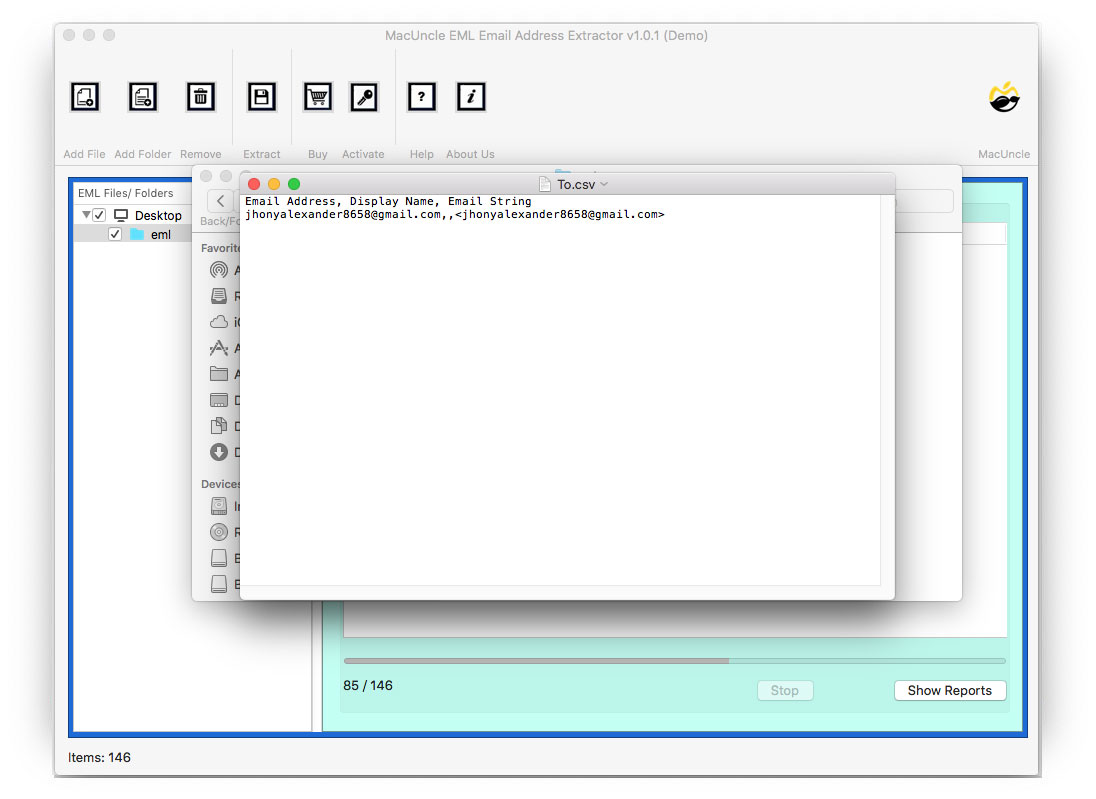
You can easily extract IDs Mac EML files using MacUncle EML Email Address Extractor. The tool supports Mac OS Machines.
Start MacUncle EML Email Address Extractor on your Mac Computer
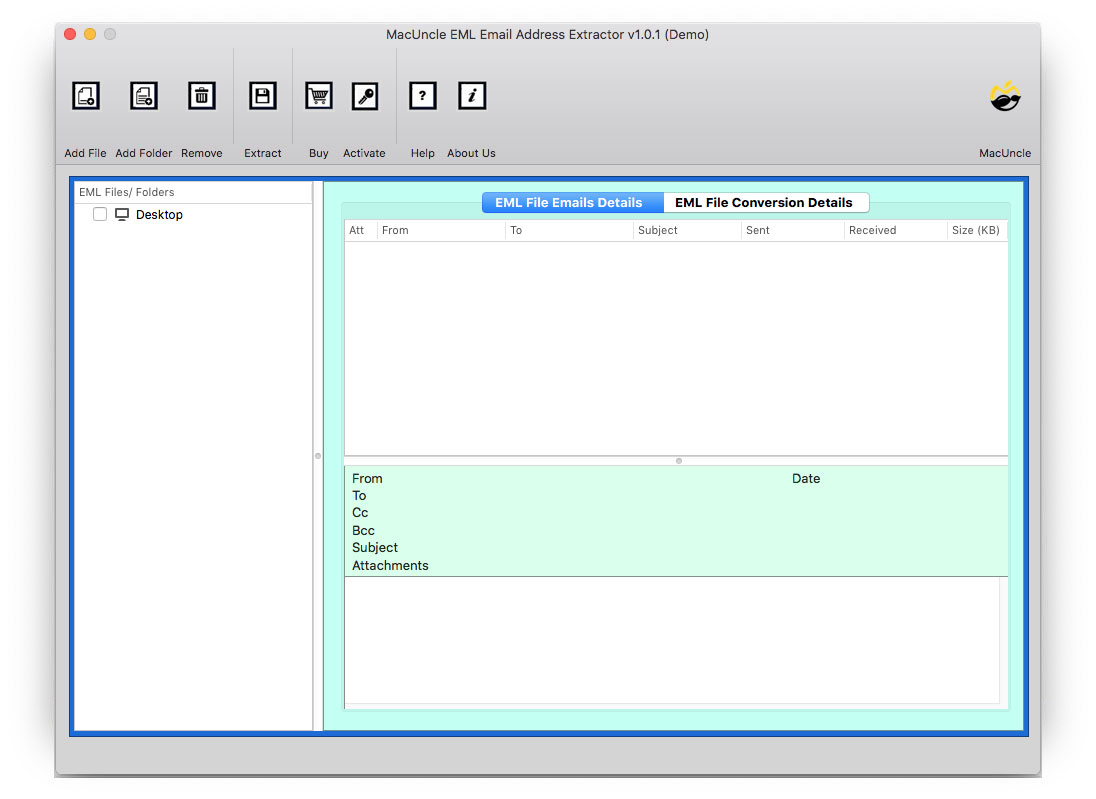
Select one option from Add File(s) or Add Folder(s) to upload EML file.
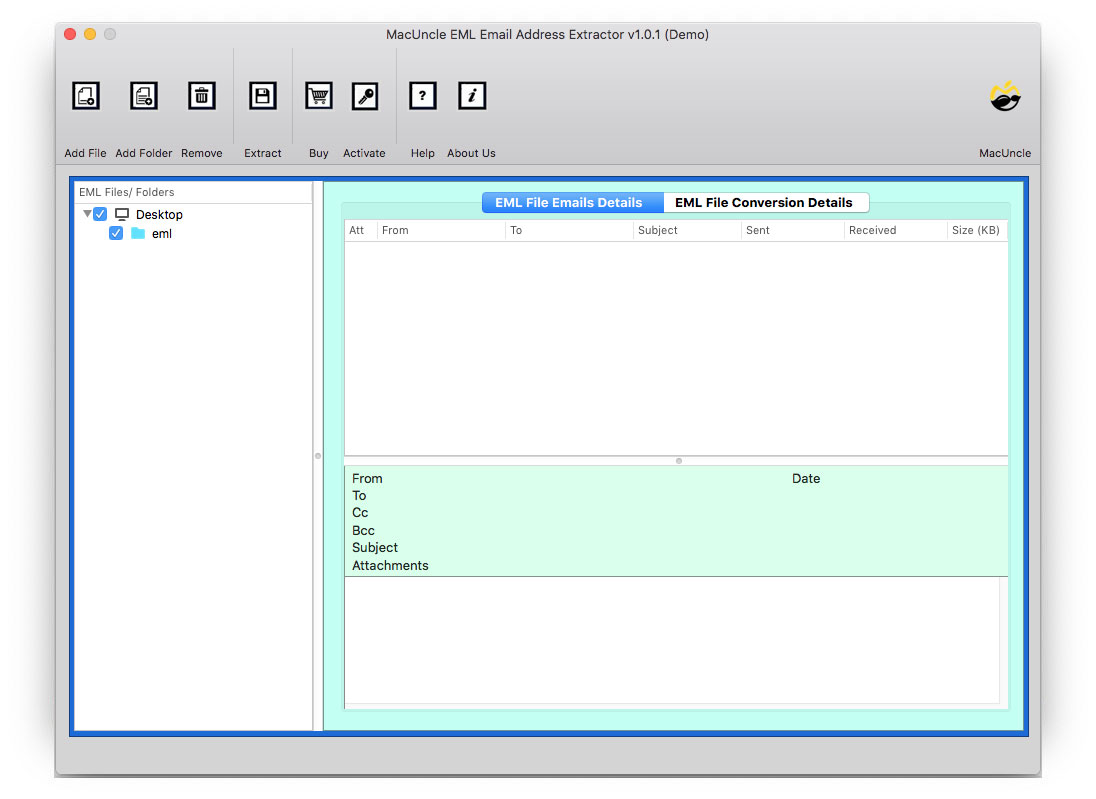
Choose requires EML email files to extract Email ID
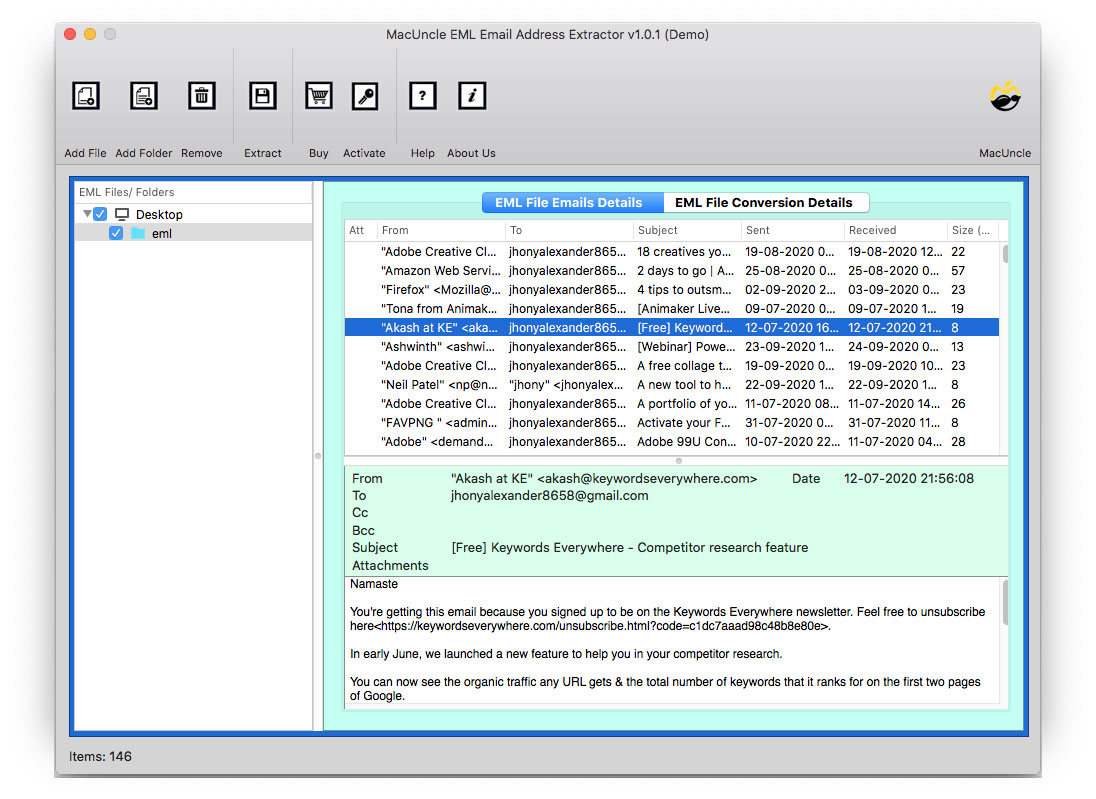
Go to Extract on the Above Menu and select Saving Option. Set up the required field on the filter option for selective extraction
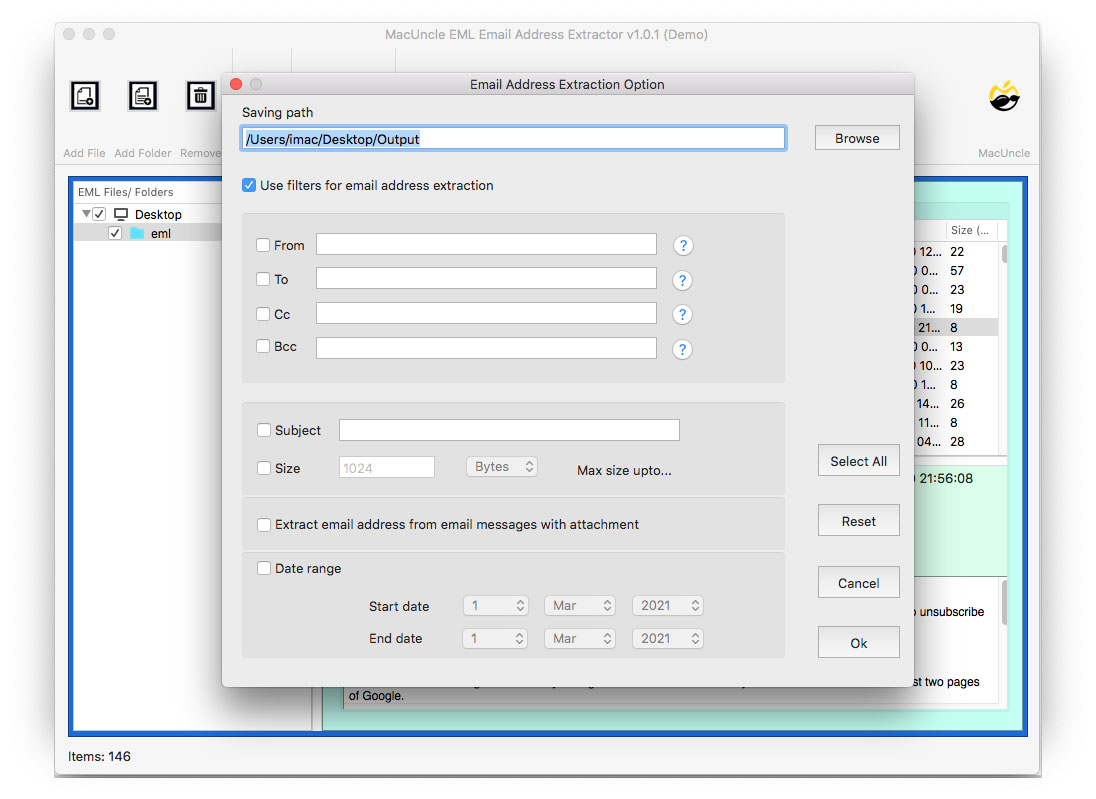
Click the OK button to start Email Address Extraction from the EML file.
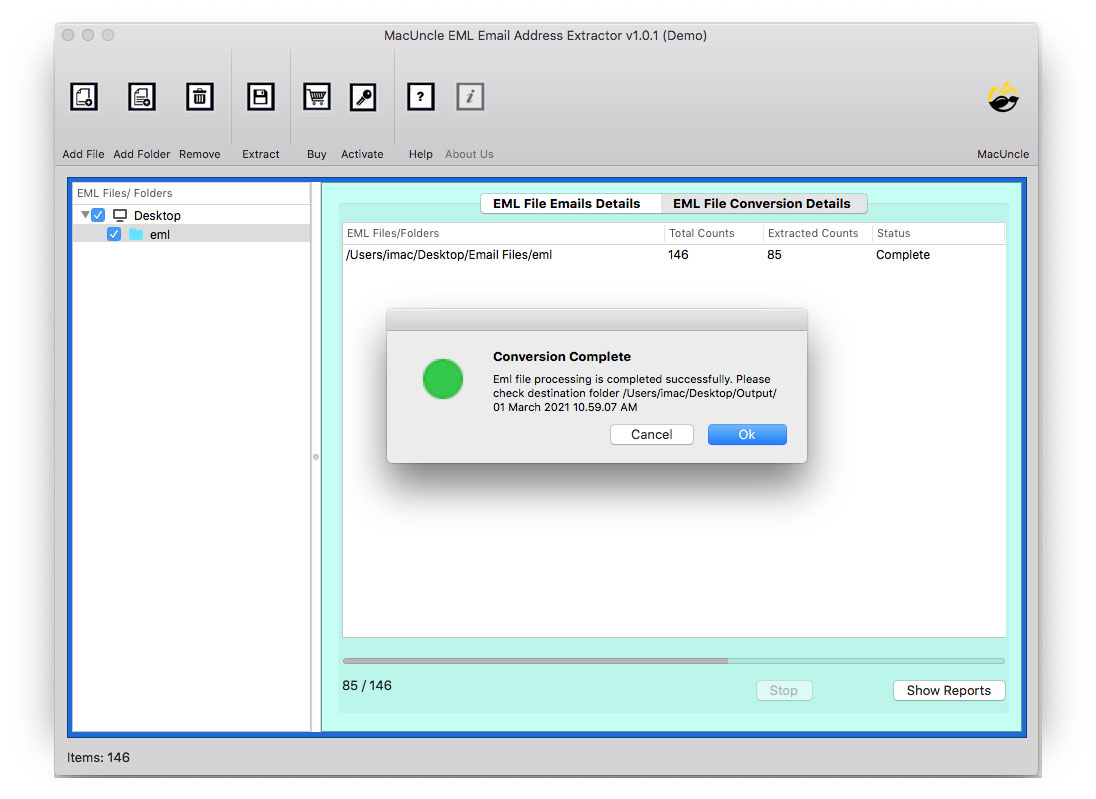
In a few moments, the tool opens the location with a resultant CSV file consisting of an EML email address.