Steps to Convert Mac MBOX Files
MacUncle MBOX Converter lets you export your Mac MBOX files to the format — PST, EML, MSG, HTML, PDF and more. In just a few clicks. Follow the five steps below to complete the conversion on macOS.
Trial note: The free trial converts the first 25 MBOX. Every saving option stays available, so you can test the full working before you buy.
Need the full version? Get the license from the MBOX Converter purchase page, or go back to the product page for features and specifications. For any help during conversion, contact support@macuncle.com.
Launch MacUncle MBOX Converter on your Mac. The main window opens, ready to add the MBOX files.
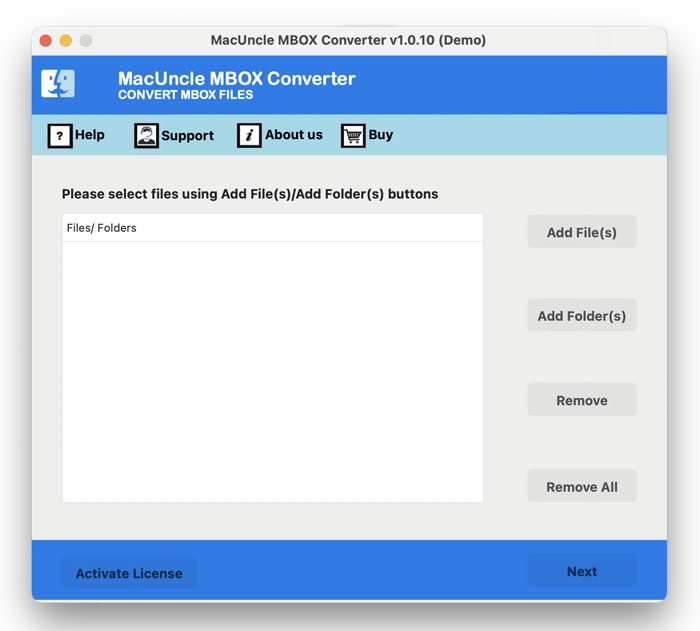
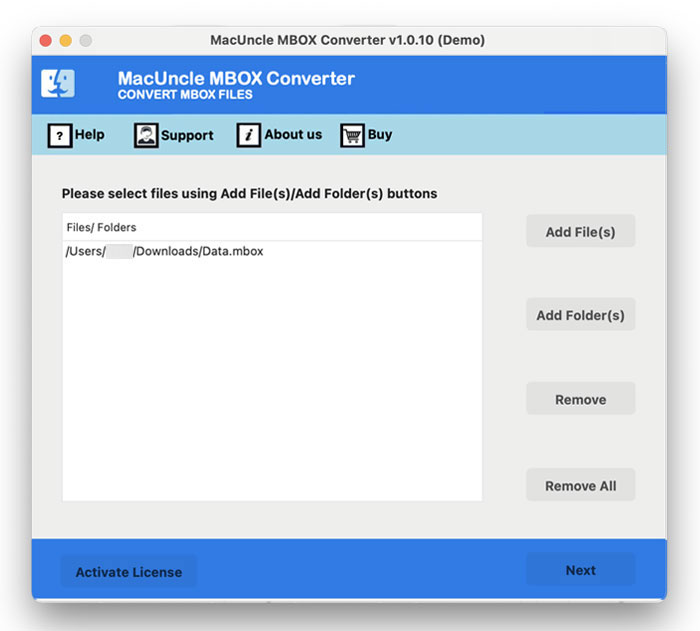
Select MBOX file using Add File(s) or Add Folder(s).
Choose saving format from PST, EML, EMLX, MSG, HTML, MHT, CSV, PDF, etc.
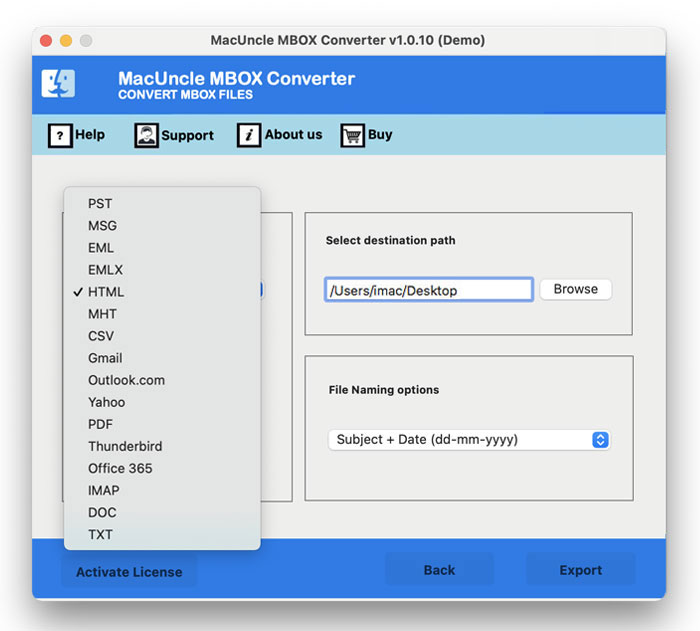
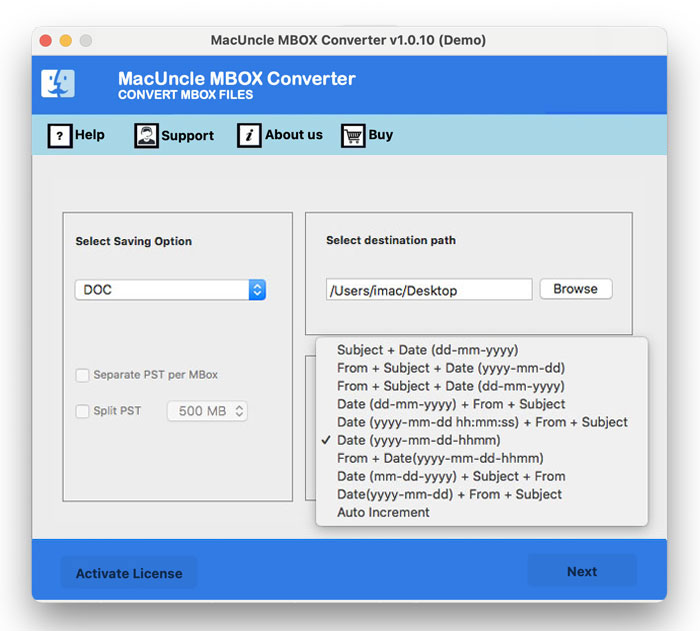
If needed, set a file naming convention and choose a destination folder for the converted files. Otherwise, the default location is used.
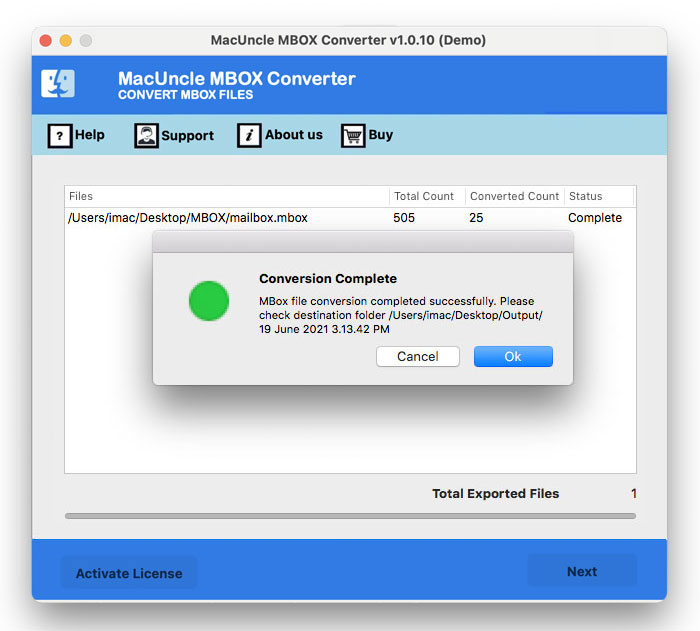
Once conversion finishes, MacUncle MBOX Converter shows a confirmation message so you know the process completed successfully.