Steps to Convert HTML Files
HTML Converter lets you convert HTML files to different file formats, including PDF, DOC, DOCX, TXT, and more. Convert the files quickly and efficiently in a few clicks. Check out the steps below:
Trial Version: The free trial converts first 25 HTML files. All the options are avialable in the demo version, so test the options before buying.
Want to upgrade? Get the license from the purchase page, or visit the product page for all features and specifications. For any issues while performing conversion, contact support@macuncle.com.
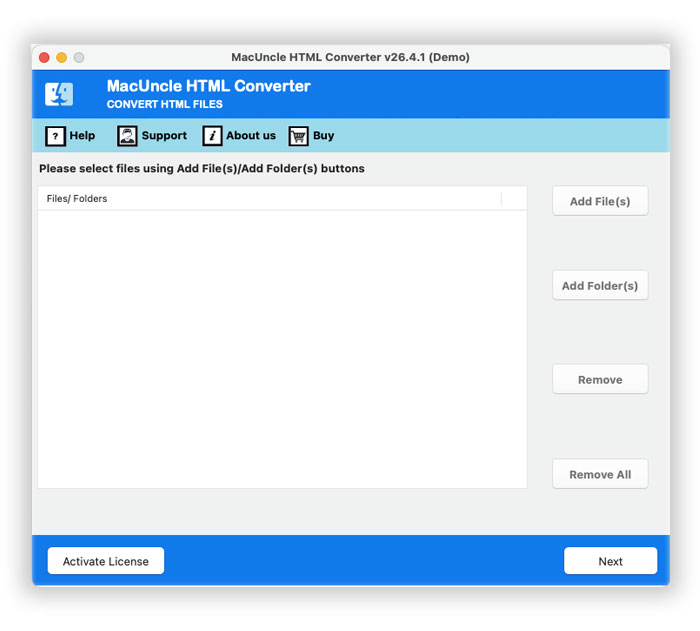
Launch MacUncle HTML Converter. The main window opens, ready to add the HTML files.
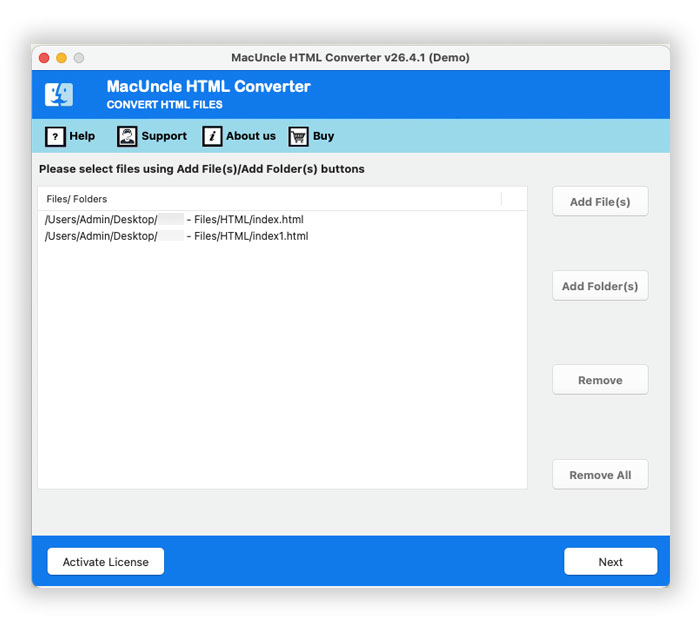
Select HTML file using Add File(s) or Add Folder(s).
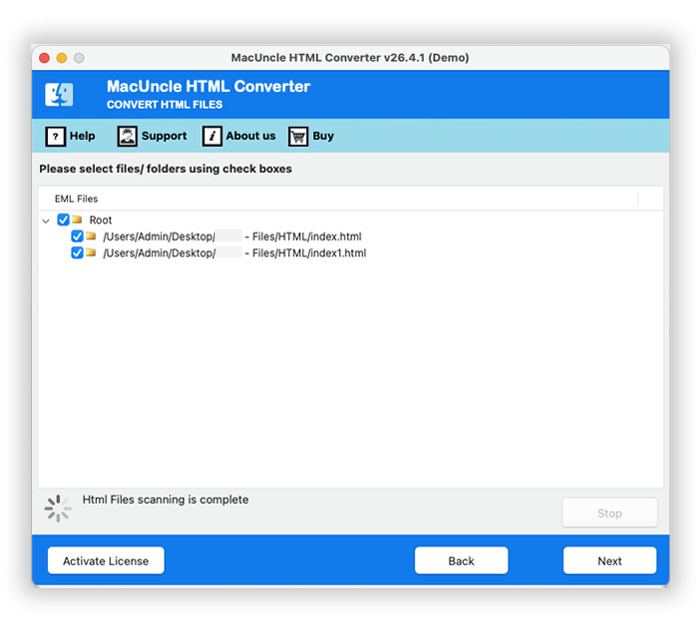
Choose a saving format from PST, EML, EMLX, MSG, MHT, PDF, DOC, DOCX, and TXT.
Browse for a location to save the converted HTML files.
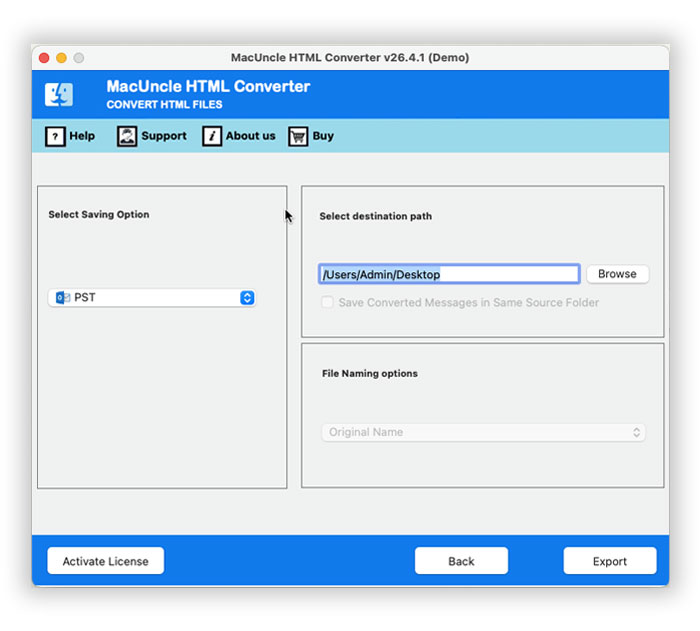
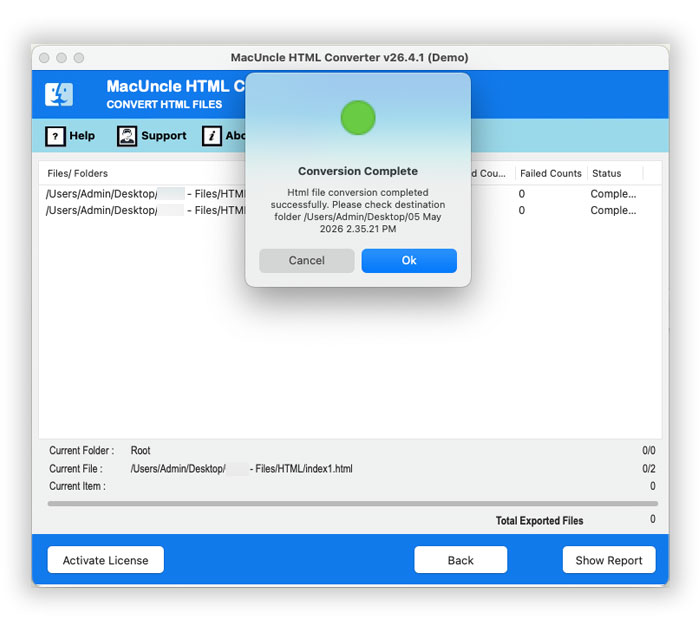
Press the Export button to start the HTML file conversion.